
Video Compressor
Compress your video to reduce file size while maintaining the best possible quality.
Your video is processed locally in your browser and is not uploaded to our servers.
How to Use the Video Compressor
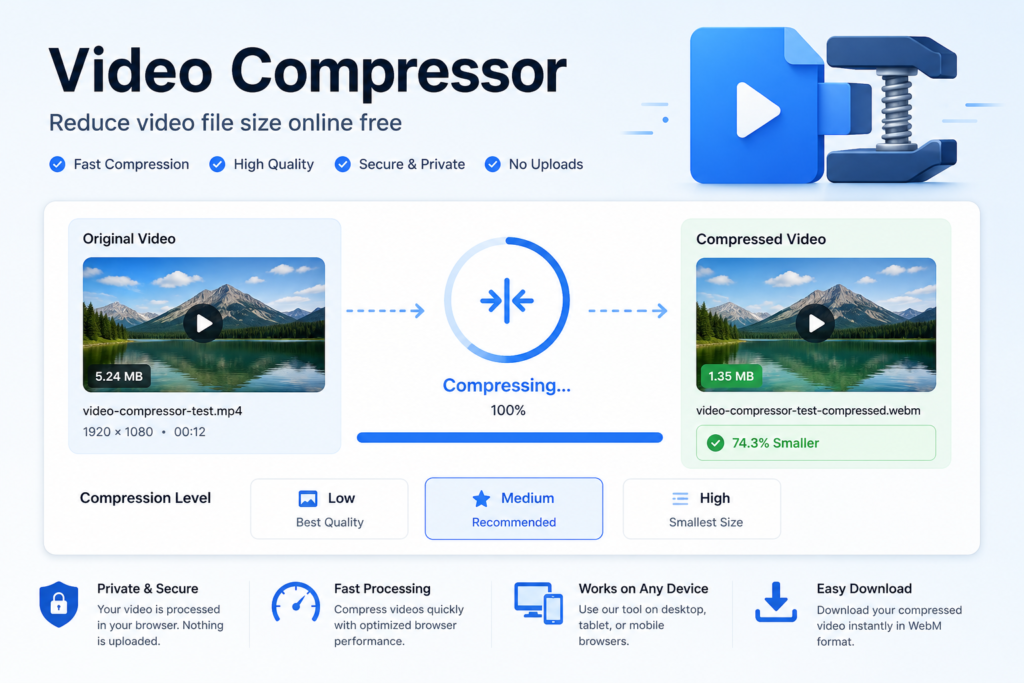
Select a video, choose a compression level and start the process. The tool re-encodes the video in your browser and shows the resulting file size before download.
Practical Example
A 50 MB clip compressed with the Medium setting may become substantially smaller, depending on the original codec, bitrate, resolution and duration.
Factors That Affect the Result
Source bitrate, resolution, frame rate, codec efficiency, video duration, browser support and the selected compression level all influence final quality and file size.
Frequently Asked Questions
Does compression reduce quality?
Usually yes, because smaller files are created by reducing bitrate, resolution or both.
Is the video uploaded to a server?
The tool is designed to process supported videos locally in the browser.
Why might the output not be much smaller?
Videos that are already highly compressed may have limited room for further reduction.