
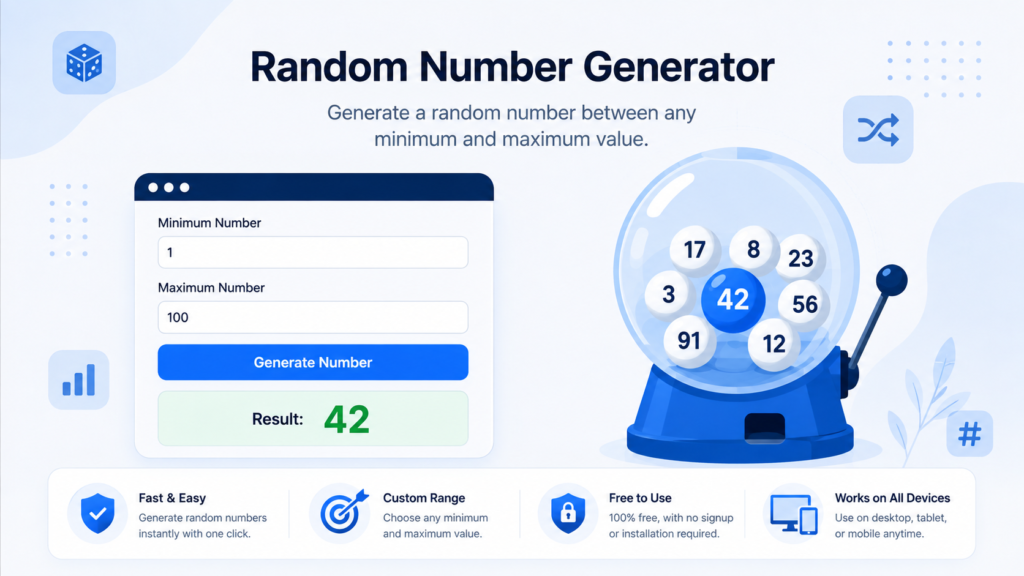
How to Use the Random Number Generator
Enter the smallest and largest allowed values, then click Generate Number. The tool returns one integer inside the selected inclusive range.
Practical Example
With a minimum of 10 and a maximum of 20, any integer from 10 through 20 can be returned, including both endpoints.
Factors That Affect the Result
The selected range determines which values are eligible. This browser-based generator is suitable for everyday choices, classroom activities, tests and games, but it is not a certified source for regulated lotteries or cryptographic applications.
Frequently Asked Questions
Can the minimum and maximum be negative?
Yes, provided the minimum is not greater than the maximum.
Can I generate a new result immediately?
Yes. Click the button again to produce another value.
Is this suitable for security-sensitive randomness?
No. Use a specialized cryptographic or certified random source when security or regulation requires it.
How Random Number Generation Is Used
A random number generator selects values within the range and rules you provide. It can be useful for games, classroom exercises, sample selection, test data and other situations where manual choice could introduce bias. Check whether the endpoints are included and whether duplicate values are allowed when generating more than one number. Not every random generator is suitable for security-sensitive purposes. Cryptographic keys, passwords, tokens and gambling or regulated applications may require a cryptographically secure source of randomness and additional controls. For ordinary selection tasks, define the range before generating and record the result if reproducibility or auditing matters. If you need a repeatable sequence for software testing or scientific work, a seeded pseudo-random generator may be more appropriate than an unpredictable generator because the same seed can reproduce the same sequence.