
Sales Tax Calculator
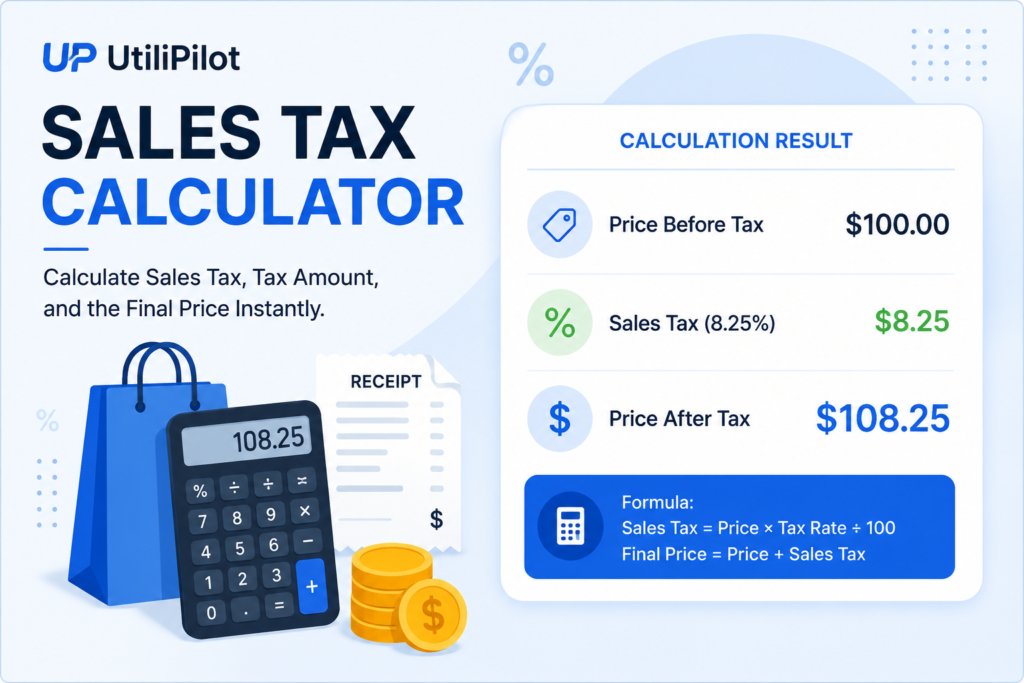
Calculate sales tax, tax amount, and the final price instantly.
How to Use the Sales Tax Calculator
Enter the pre-tax price and sales tax rate to estimate the tax amount and final price.
Practical Example
If an item costs USD 200 and the sales tax rate is 8%, the tax is USD 16 and the final price is USD 216.
Factors That Affect the Result
Actual sales tax can depend on location, product type, exemptions, local surtaxes and whether tax is included in the displayed price.
Frequently Asked Questions
How is sales tax calculated?
Multiply the pre-tax price by the tax rate expressed as a decimal.
Can I calculate the final price?
Yes. The calculator adds the tax amount to the original price.
Does every purchase use the same tax rate?
No. Rates and exemptions vary by jurisdiction and product.
Related Tools
How Sales Tax Is Calculated
For a tax-exclusive price, multiply the pre-tax price by the sales-tax rate expressed as a decimal. Add the resulting tax amount to the original price to estimate the final total. For example, 8% tax on 200 is 16, producing a total of 216.
Sales Tax Rates and Jurisdictions
Sales-tax rules vary by country, state, province, city and product category. Some locations combine several rates, while particular goods or buyers may be exempt. Enter the rate that actually applies to the transaction rather than assuming one rate is universal.
Tax-Inclusive vs. Tax-Exclusive Prices
This calculator starts with a price before tax and adds the entered rate. If a displayed price already includes tax, a reverse-tax calculation is required instead. Rounding rules and marketplace or local requirements can also cause small differences from a checkout total.