
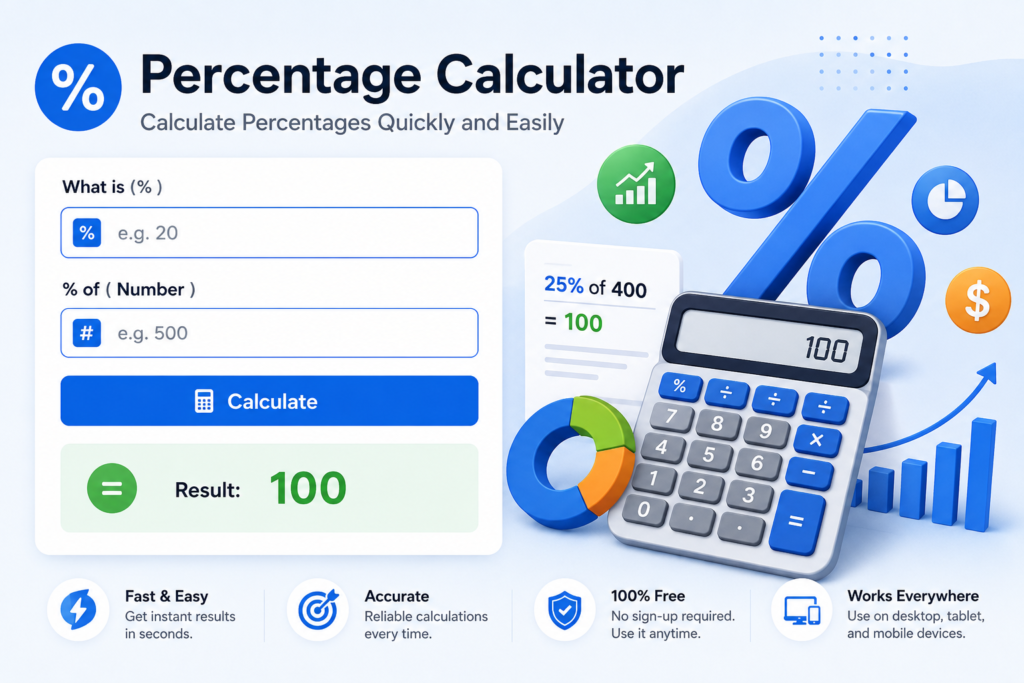
How to Use the Percentage Calculator
Enter the percentage and the base number, then calculate the result instantly. This is useful for discounts, taxes, tips, commissions, grades and everyday percentage checks.
Practical Example
If you want to find 18% of 250, multiply 250 by 0.18. The result is 45.
Factors That Affect the Result
The calculation itself is exact, but real-world totals can change when multiple percentages, taxes, fees, discounts or rounding rules are applied in a different order.
Frequently Asked Questions
Can I use decimal percentages?
Yes. Values such as 7.5% can be entered directly.
Can the percentage be above 100%?
Yes. Percentages above 100% are valid when the result exceeds the original amount.
Does this tool round results?
The displayed result may be formatted for readability, while the underlying calculation uses the entered values.
Related Tools
- Reverse Percentage Calculator
- Percentage Increase Calculator
- Percentage Decrease Calculator
- Fraction to Percentage Calculator
- Decimal to Percentage Calculator
How Percentage Calculations Work
A percentage expresses a value as a share of 100. To find a percentage of a number, convert the percentage to a decimal and multiply it by the base value. The formula is result = number × percentage ÷ 100. For example, 12.5% of 640 is 640 × 0.125 = 80.
Percentage vs. Percentage Points
Percent change and percentage-point change are different. If a rate moves from 10% to 15%, it rises by 5 percentage points, while the relative increase is 50%. Keeping the two concepts separate is important when comparing rates, margins, survey results and financial figures.
Common Percentage Mistakes
Use the correct base number before calculating. Sequential changes should also be applied one after another: a 20% increase followed by a 20% decrease does not return to the starting value because the second percentage uses a different base.